资料
路由映射
src/main/java/com/example/helloworld/controller/HelloController.java:
1
2
3
4
5
6
7
8
9
10
11
12
13
14
15
16
17
18
19
20
| package com.example.helloworld.controller;
import org.springframework.web.bind.annotation.GetMapping;
import org.springframework.web.bind.annotation.RequestMapping;
import org.springframework.web.bind.annotation.RequestMethod;
import org.springframework.web.bind.annotation.RestController;
@RestController
public class HelloController {
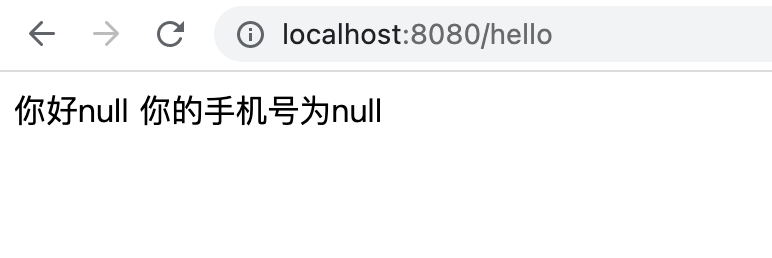
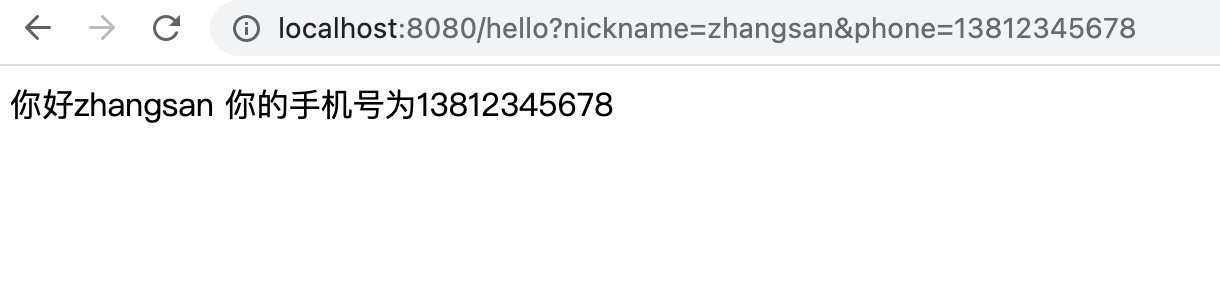
@RequestMapping(value = "/hello", method = RequestMethod.GET)
public String hello(String nickname, String phone) {
System.out.println(phone);
return "你好" + nickname + "\n你的手机号为" + phone;
}
}
|
参数传递和数据响应
src/main/java/com/example/helloworld/controller/ParamsController.java:
1
2
3
4
5
6
7
8
9
10
11
12
13
14
15
16
17
18
19
20
21
22
23
24
25
26
27
28
29
30
31
32
33
34
35
36
37
38
39
40
41
42
43
44
45
46
47
48
49
50
51
52
53
54
55
56
57
58
59
60
61
62
63
64
65
66
|
package com.example.helloworld.controller;
import com.example.helloworld.entity.User;
import org.springframework.http.HttpMethod;
import org.springframework.web.bind.annotation.*;
@RestController
public class ParamsController {
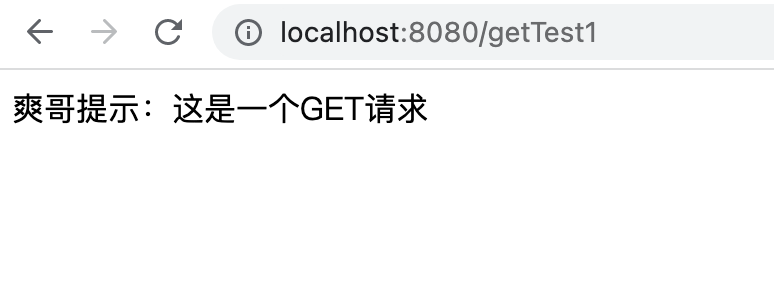
@RequestMapping(value = "/getTest1", method = RequestMethod.GET)
public String getTest1() {
return "爽哥提示:这是一个GET请求";
}
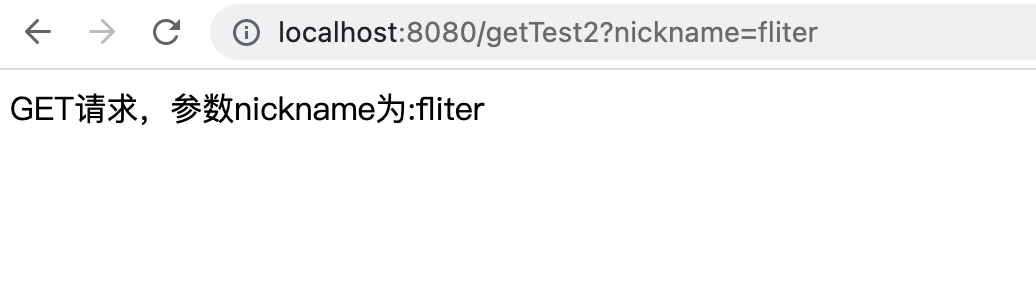
@RequestMapping(value = "/getTest2", method = RequestMethod.GET)
public String getTest2(String nickname, String phone) {
System.out.println("nickname:" + nickname);
System.out.println("phone:" + phone);
return "GET请求,参数nickname为:" + nickname;
}
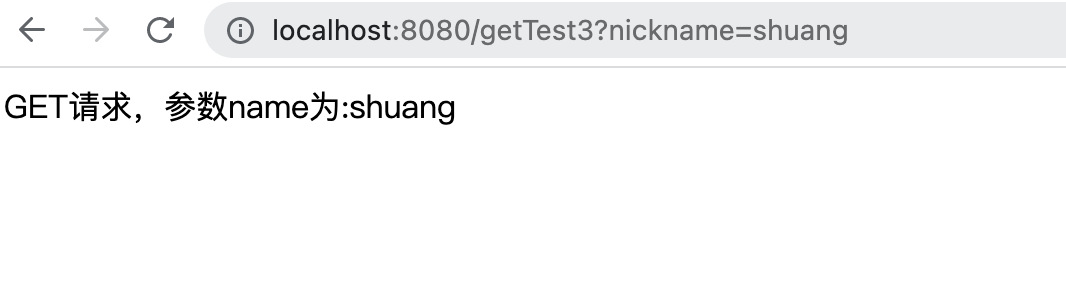
@RequestMapping(value = "/getTest3", method = RequestMethod.GET)
public String getTest3(@RequestParam(value = "nickname", required = false) String name) {
System.out.println("nickname:" + name);
return "GET请求,参数name为:" + name;
}
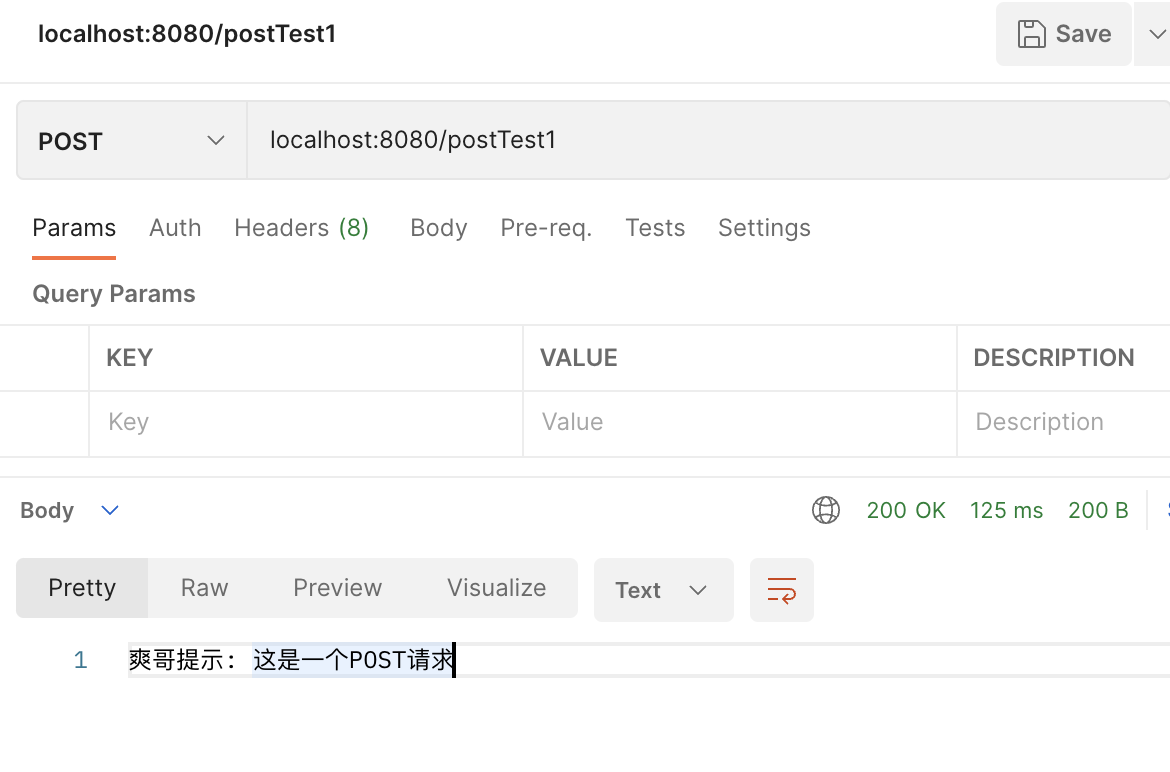
@RequestMapping(value = "/postTest1", method = RequestMethod.POST)
public String postTest1() {
return "爽哥提示: 这是一个POST请求";
}
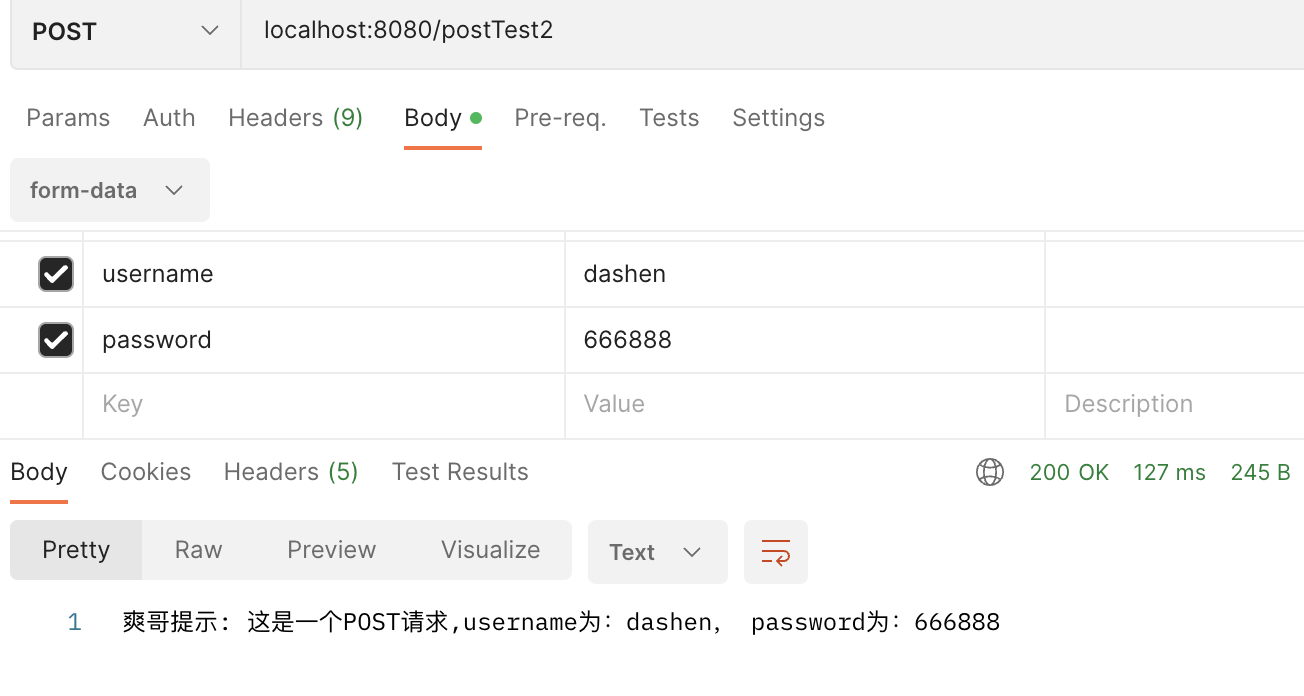
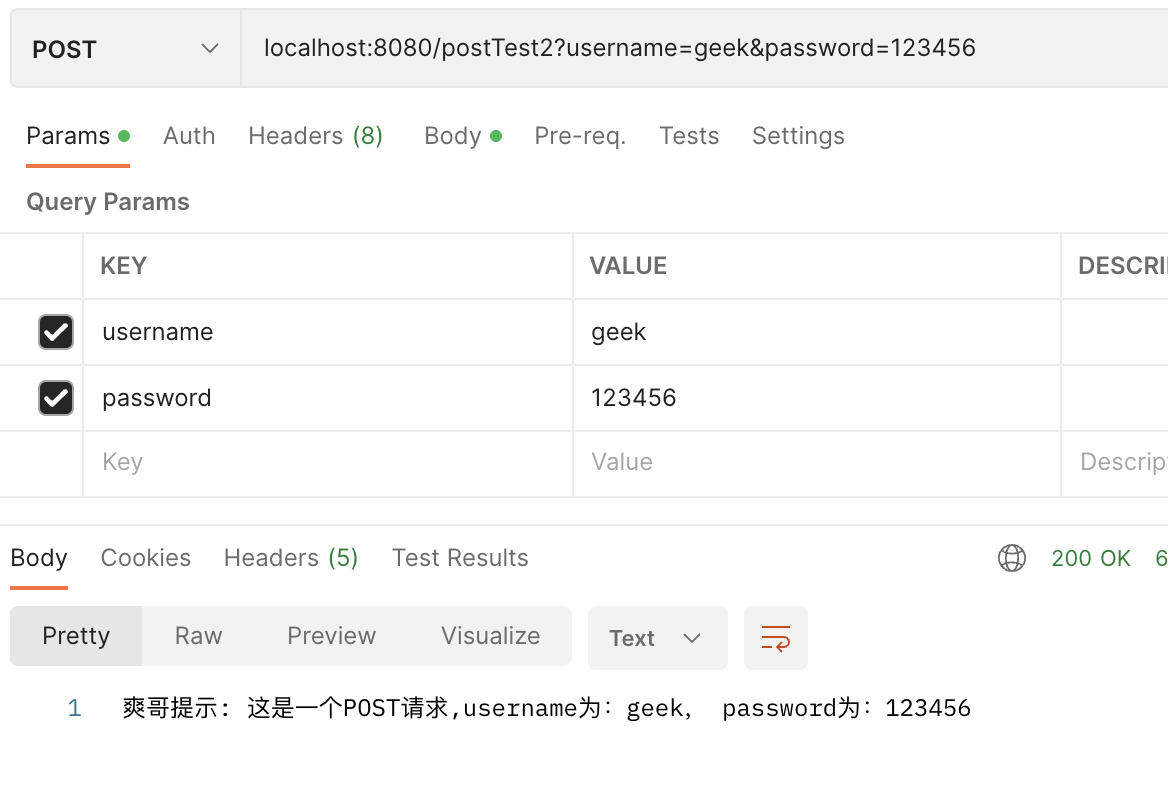
@RequestMapping(value = "/postTest2", method = RequestMethod.POST)
public String postTest2(String username, String password) {
System.out.println("username:" + username);
System.out.println("password:" + password);
return "爽哥提示: 这是一个POST请求,username为:" + username + ", password为:" + password;
}
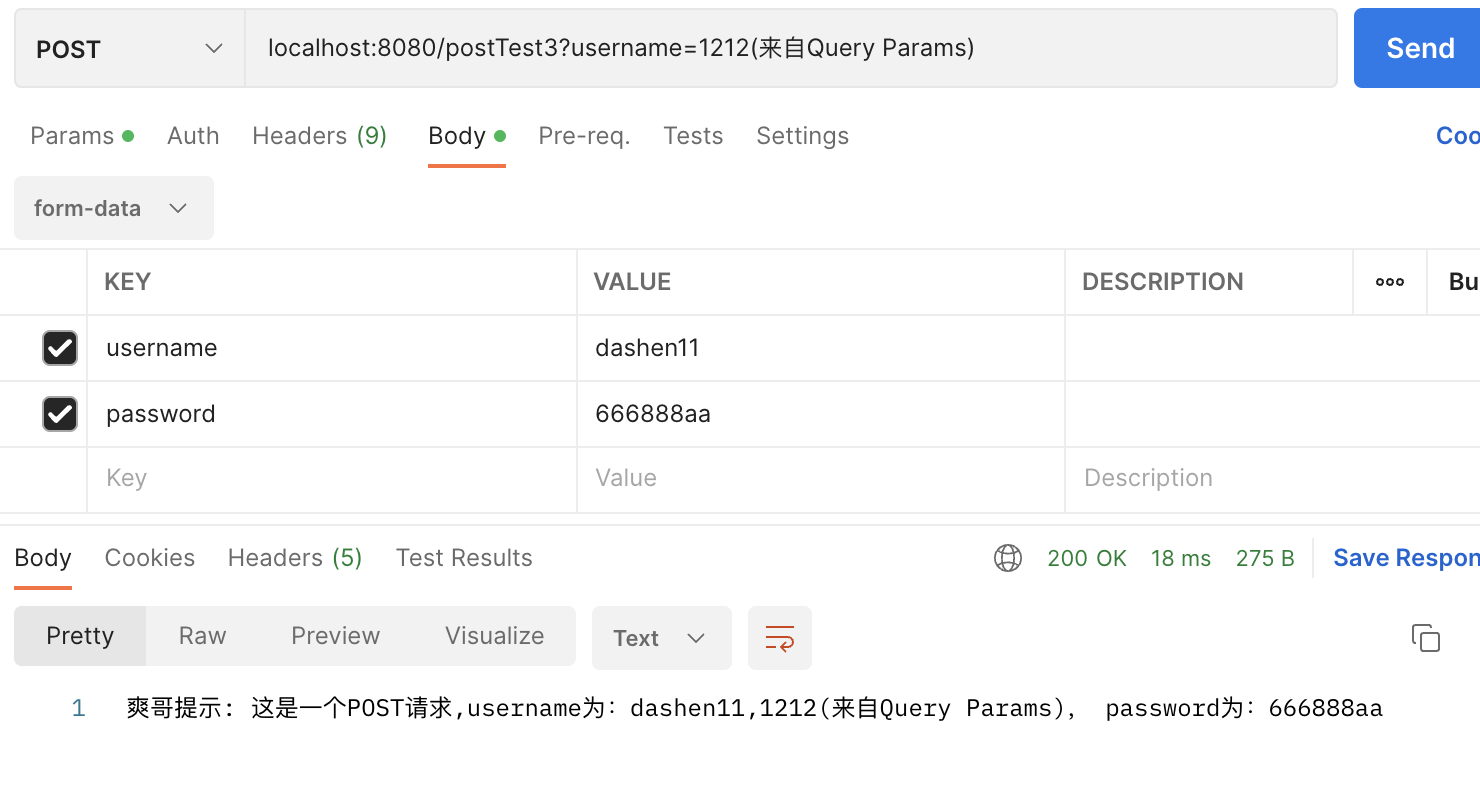
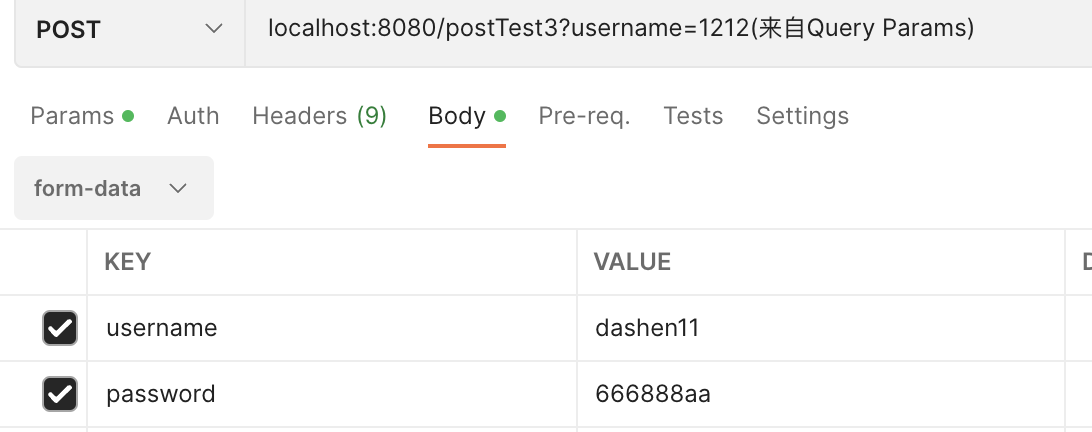
@RequestMapping(value = "/postTest3", method = RequestMethod.POST)
public String postTest3(User user) {
System.out.println(user);
return "爽哥提示: 这是一个POST请求,username为:" + user.getUsername() + ", password为:" + user.getPassword();
}
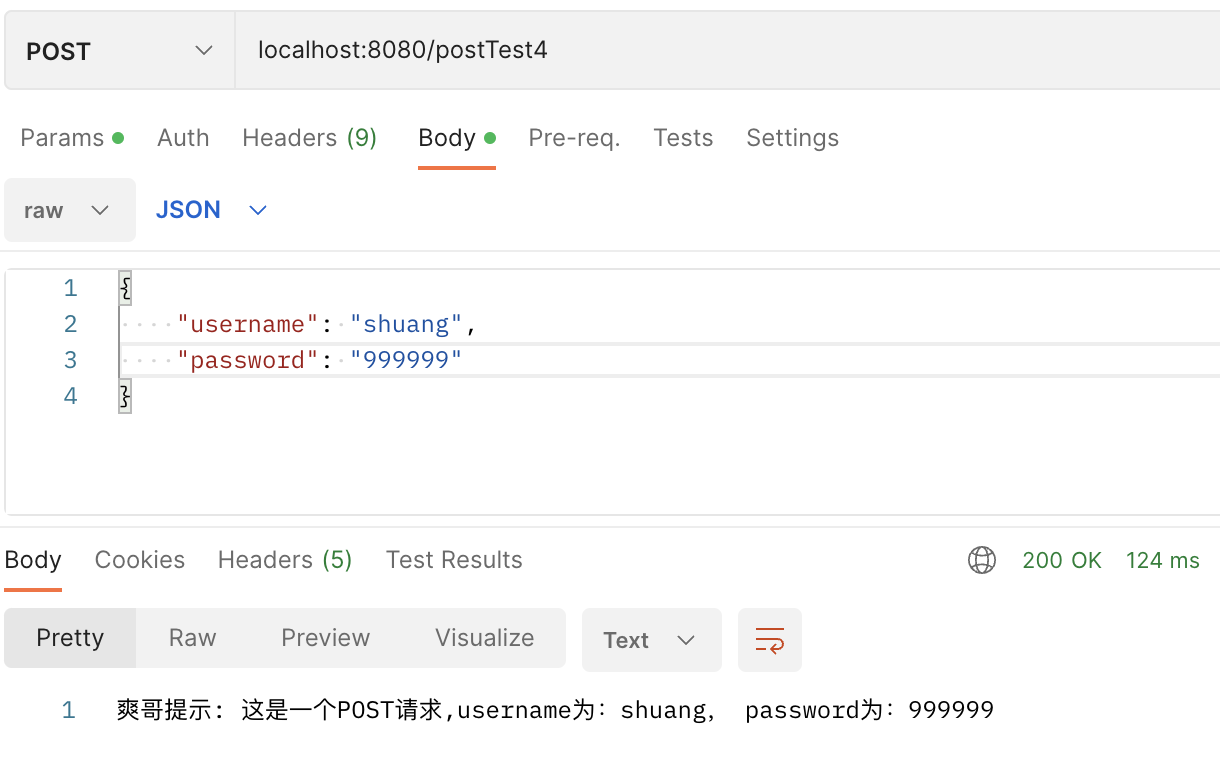
@RequestMapping(value = "/postTest4", method = RequestMethod.POST)
public String postTest4(@RequestBody User user) {
System.out.println(user);
return "爽哥提示: 这是一个POST请求,username为:" + user.getUsername() + ", password为:" + user.getPassword();
}
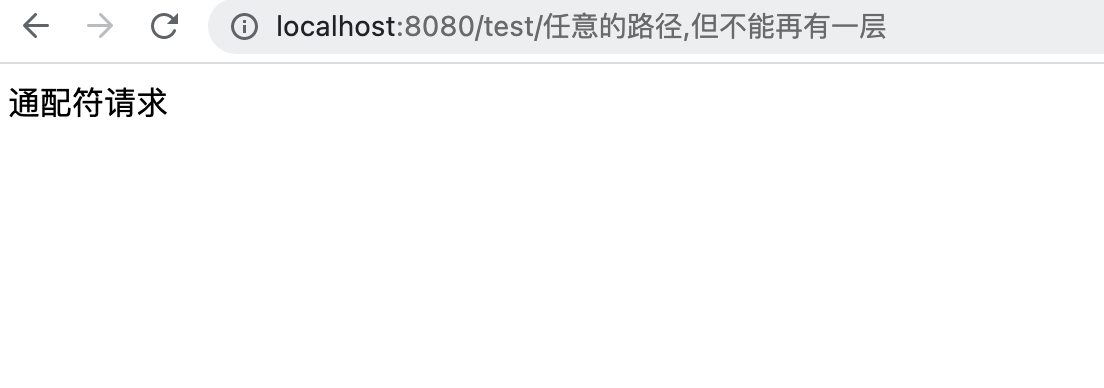
@GetMapping("/test/*")
public String test() {
return "通配符请求";
}
}
|
src/main/java/com/example/helloworld/entity/User.java:
1
2
3
4
5
6
7
8
9
10
11
12
13
14
15
16
17
18
19
20
21
22
23
24
25
26
27
28
29
30
31
32
| package com.example.helloworld.entity;
public class User {
private String username;
private String password;
public String getUsername() {
return username;
}
public void setUsername(String username) {
this.username = username;
}
public String getPassword() {
return password;
}
public void setPassword(String password) {
this.password = password;
}
@Override
public String toString() {
return "User{" +
"username='" + username + '\'' +
", password='" + password + '\'' +
'}';
}
}
|
原文链接: https://dashen.tech/2012/11/12/SpringBoot基础入门/
版权声明: 转载请注明出处.